Edge Computing vs. Cloud Computing: When to Use Each, Cost Considerations, and Performance Tradeoffs
Here’s a practical way to think about Edge Computing vs. Cloud Computing: if your device needs to react in milliseconds, you usually can’t wait for round trips to a data center. I’ve seen teams “lift and shift” everything to the cloud and then wonder why their robot kept hesitating or their door camera lagged during motion events.
Quick answer: Use edge computing when you need low delay (low latency), local control, or offline-friendly behavior. Use cloud computing when you need big storage, easy scaling, and centralized management. Most real systems end up using both.
In 2026, the best designs aren’t “cloud only” or “edge only.” They’re split in the right places.
Edge vs. cloud in plain English (and why it matters)
Edge computing means running apps and processing close to where data is created—like inside a factory, on a shop floor, on a router, or even on a phone. Cloud computing means running apps in remote data centers, then sending data to and from them over the internet.
Latency is the key difference. Round trips to the cloud add delay. Even “fast” networks aren’t guaranteed. If you’re controlling safety features, that delay can be a deal breaker.
Another difference is who owns the operational burden. At the edge, you often manage more hardware. In the cloud, you manage services and permissions more than physical devices.
When to use edge computing (low latency, local control, offline needs)
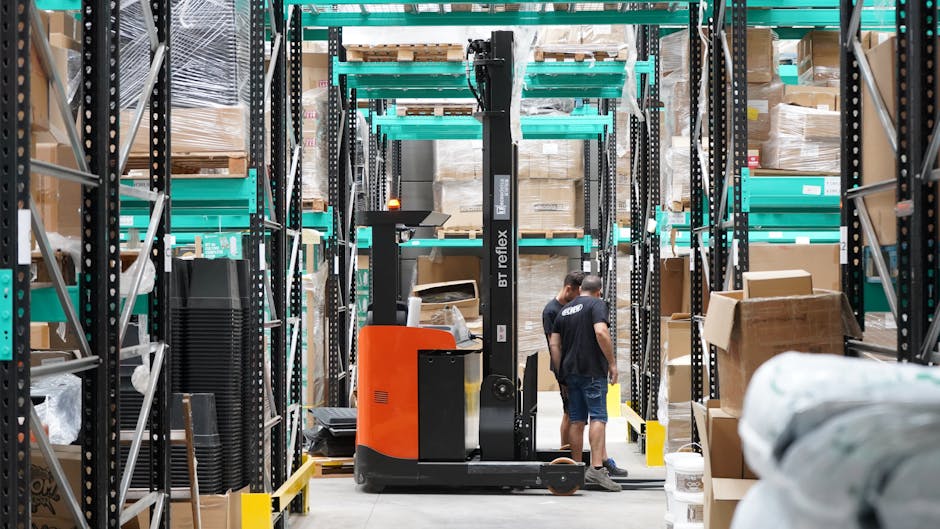
Use edge computing when reaction time and local reality matter more than long-range planning. This shows up a lot in physical-world products and safety-focused systems.
Here are common real-world triggers I see in tech articles, gadget builds, and cybersecurity incidents:
- Real-time decisions: obstacle detection for warehouse robots, anomaly detection on production lines, or live face blurring on a security camera.
- Limited connectivity: remote sites with shaky internet, trains, offshore equipment, or field research gear.
- Privacy rules: you want to keep raw video/audio on-site and only send alerts or redacted features upstream.
- Bandwidth costs: sending 4K video to the cloud for every motion event is expensive and sometimes unnecessary.
- Fail-safe operation: if the cloud service is down, edge still needs to keep running.
One original angle I learned the hard way: teams often measure “latency” as just network delay. But at the edge, the bigger win is often reducing the amount of work you send upward. If you filter 1000 frames down to 20 “interesting” ones, you cut both delay and cloud costs at the same time.
Edge computing use cases you can copy (today, not “someday”)
If you’re wondering where edge fits in your stack, start with these patterns. They work well with common tools like NVIDIA Jetson devices, Intel-based edge servers, and lightweight inference services.
- Smart camera pipelines: run motion detection and object classification on-device, then send only events to the cloud (and store clips only when needed).
- Industrial sensor filtering: do smoothing, threshold checks, and local anomaly flags at the edge so you don’t upload raw telemetry every second.
- Retail device responses: use edge for instant price tag updates or in-store kiosks that must stay snappy.
- Vehicle and drone helpers: process GPS/vision locally for stable control, and upload logs later when the link is available.
If you want a security companion topic, you’ll like our guide on IoT device hardening best practices. A lot of edge failures come from weak device identity and sloppy update paths.
When to use cloud computing (scale, storage, centralized updates)
Use cloud computing when you want centralized control, easy scaling, and large-scale analytics. Cloud is great when you can tolerate some delay or when the work happens in batches.
Cloud shines in these areas:
- Training and model improvement: you can retrain models using big datasets, then push new versions to edge devices.
- Data lake and long-term storage: logs, metrics, and historical sensor data live where you can query them later.
- Fleet management: manage updates, monitoring, and device inventories in one place.
- Global dashboards: security teams love centralized views when incidents cross regions.
- Elastic compute: traffic spikes don’t force you to buy extra hardware.
Here’s the tradeoff: cloud does not give you guaranteed instant reactions. If you need “do it now,” you still need local logic.
Cloud-first patterns that are actually smart
Some teams get it backwards and push everything to the cloud. I prefer these cloud-first patterns:
- Event-driven cloud processing: the edge sends events (like “person detected”), and cloud runs deeper analysis.
- Batch jobs: daily reports, weekly trend checks, or offline model training.
- Centralized security monitoring: cloud SIEM tools correlate alerts across all locations.
If you’re building a gadget and want a practical checklist, our firmware update rollout checklist is a good companion. It fits edge and cloud alike, but it matters a lot when devices are spread out.
Cost considerations: where the money really goes
Costs differ more in traffic, operations, and failure handling than in raw “compute speed.” People often compare hourly cloud prices to a single edge device purchase and call it even. That misses the hidden line items.
Below is a cost breakdown I use as a sanity check in real projects. Costs will vary by vendor and region, but the drivers are consistent.
Major cost drivers for edge computing
- Hardware: edge servers, GPUs/NPUs, storage, and networking gear.
- Power and cooling: small appliances add up fast if you deploy at scale.
- Deployment and replacements: shipping, mounting, repairs, and spare units.
- Licensing: media codecs, OS images, inference frameworks, and vendor support.
- On-site support: even with remote management, someone has to fix broken installs.
- Security overhead: device identity, certificates, audit logs, and patch cycles.
One practical example from a common setup: if you deploy 200 cameras and each camera uploads 24/7 video to the cloud, your bill can spike. Edge changes that by sending only detected events. You’re paying for fewer uploads, less storage, and fewer analytics runs.
Major cost drivers for cloud computing
- Compute: inference, data processing, and worker fleets.
- Storage: raw media retention, backups, and logs that keep growing.
- Network egress: downloading or streaming data out of the cloud can be pricey.
- Data transfer: uploads, cross-region replication, and transfers between services.
- Operational tooling: monitoring, alerting, tracing, and security services.
Cloud bills are sneaky because teams keep adding “just one more log.” In 2026, I’ve seen “logging everything” create costs that rival the actual compute.
Edge vs. cloud cost tradeoff table (quick comparison)
| Cost Area | Edge Computing | Cloud Computing |
|---|---|---|
| Upfront | Higher hardware purchase per site | Lower upfront, pay as you go |
| Ongoing | Device maintenance + power | Compute/storage/network usage |
| Bandwidth | Often reduced by filtering locally | Can explode if sending raw media/telemetry |
| Scaling | More hardware to deploy | Elastic compute and storage |
| Security operations | Patch devices spread across locations | Central policy + monitoring |
Performance tradeoffs: latency, throughput, and reliability
Performance isn’t just speed—it’s how stable the system feels under stress. Edge and cloud each win in different scenarios.
Here’s the simplest way to remember it:
- Edge wins latency (fast local responses).
- Cloud wins global analytics (bigger compute and smarter batch processing).
- Hybrid wins overall when you split tasks by timing.
What most people get wrong about performance
People often test with a sunny-day network. Then they deploy to real life and hit these issues:
- Network spikes: upload queues build up and your “real-time” dashboard lags.
- Retry storms: devices retry uploads too aggressively and overwhelm gateways.
- Clock drift: events get misordered if edge timestamps aren’t handled carefully.
- Model mismatch: cloud model accuracy doesn’t match edge because input preprocessing differs.
In my experience, the fix isn’t just “add more bandwidth.” It’s designing for backpressure and making sure edge keeps operating when the network gets ugly.
Design a hybrid system that feels fast
This is the pattern that works for many gadget and security projects:
- Edge does detection: local inference, rules, and quick decisions.
- Edge sends summaries: send event IDs, confidence scores, and small feature vectors—not raw everything.
- Cloud does deep analysis: re-check events, store history, train models, and update rules.
- Cloud pushes updates: versioned model releases and security patches.
- Use a fail-safe mode: if cloud is down, edge keeps basic functions running.
This setup usually beats a pure approach in both performance and cost.
Security differences you can’t ignore (edge adds real risk)
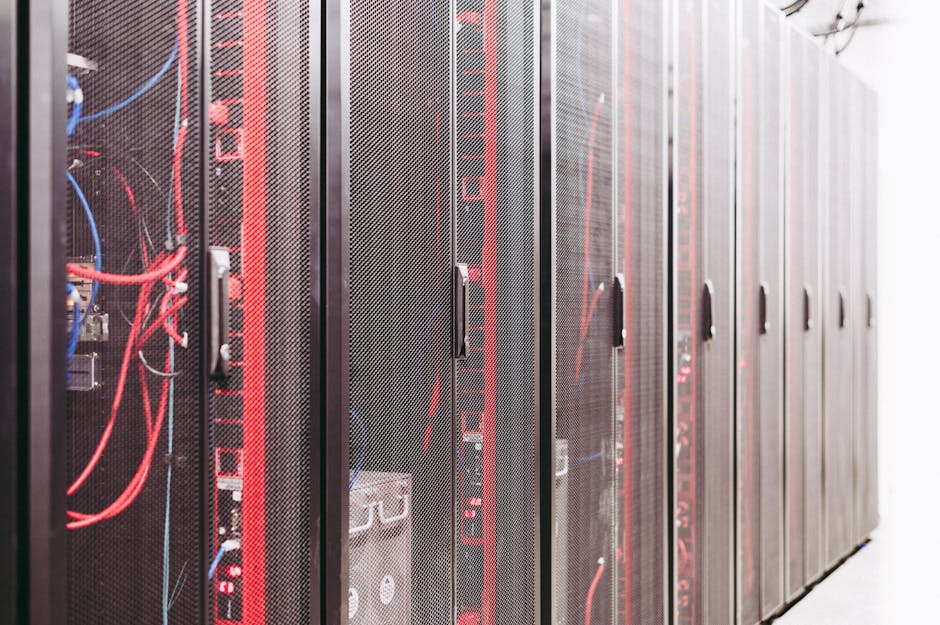
Edge computing vs. cloud computing changes your threat model. Cloud is easier to lock down centrally, but edge devices expand the attack surface because they sit in the real world.
At the edge, you face physical tampering, stolen devices, and weaker networks. At the cloud, you face account and permission mistakes, API abuse, and misconfigured storage.
Edge security checklist that’s worth doing in 2026
- Device identity: every device gets a unique certificate or key (not shared passwords).
- Signed updates: firmware and model updates must be verified before running.
- Least-privilege access: edge services only get the permissions they need (no broad admin tokens).
- Secure logging: logs should be tamper-resistant and time-synced.
- Network segmentation: isolate edge devices from guest Wi‑Fi and random local clients.
If you want to connect this with practical incident response, our ransomware prevention for IoT and edge devices is a strong read. A lot of the steps apply directly to edge fleets.
People also ask: Edge vs. cloud questions answered
Is edge computing faster than cloud computing?
Yes—edge computing is typically faster for tasks that need immediate response. Because the processing happens near the device, you avoid long round trips. Cloud can still feel fast for dashboards and batch jobs, but not for instant actions.
In practice, “faster” depends on where you put the work. If you send raw data and wait for cloud inference, you’ll feel the delay.
Can I use edge computing without the cloud?
You can, but most systems still end up using some cloud or remote service. Even if the edge makes decisions locally, you usually need updates, reporting, and monitoring. For many teams, a “cloud optional” setup means they keep cloud for management and analytics, not for core control.
What is the biggest cost difference between edge and cloud?
The biggest cost shift usually comes from data movement and operations. Edge reduces how much you upload, which lowers storage and network charges in the cloud. But edge increases hardware and maintenance work on the ground.
If your app is mostly small events, cloud can stay cheap. If your app streams heavy media, edge often wins.
How do I decide between edge and cloud for my project?
Decide based on timing and workload size, not just on “where the servers live.” Measure how fast you need decisions, how often the network fails, and how big the data is (video, audio, sensor streams).
Then split the pipeline: do fast filtering or inference at the edge, and do heavy storage, training, and deep analysis in the cloud.
A step-by-step way to choose the right architecture
Make the decision with a simple plan you can run in a week. This is the approach I’d use for a real project when I have limited time.
1) Write down your “must be instant” tasks
List actions that affect safety or user experience. If a task needs a response under, say, 100–200 ms, treat it as edge territory.
If it can happen every few seconds, cloud may work. If it can happen once an hour, cloud almost always works.
2) Estimate data size per device
Take your best guess and turn it into numbers. For cameras, estimate frames per second and resolution. For sensors, estimate samples per second and how many bytes each sample needs.
Then ask: will you send raw data to the cloud, or will you send events and features? That single choice can flip the cost outcome.
3) Stress-test the network
Simulate packet loss and slow upload. A good test is to limit bandwidth and add delays. You’re looking for “does the edge still do something useful?”
If the cloud is required for core behavior, plan for how the system behaves during downtime.
4) Map security and update paths early
Before you build, decide how updates happen. If edge devices can’t be updated securely, you’ll end up with long-lived vulnerabilities.
For update strategy, the same lessons apply whether you’re doing cloud deployments or on-device firmware. This is where our secure firmware update rollout checklist helps.
Realistic recommendations for 2026 (what I’d do in common scenarios)
Here are my go-to recommendations for the scenarios I see most. Use them as starting points, then tune based on your actual requirements.
Scenario A: Security cameras for a store or office
- Edge: local motion detection, person detection, and face blurring rules.
- Cloud: centralized event review, storage for flagged clips, and model training.
- Why: you avoid uploading hours of raw video while still getting strong monitoring.
Scenario B: Industrial sensors on a factory floor
- Edge: smoothing, thresholds, local anomaly detection.
- Cloud: trend analysis, dashboards, and maintenance recommendations.
- Why: you keep operations moving even if the network jitters.
Scenario C: Wearable gadget or mobile app
- Edge: on-device feature extraction (like sensor summaries) and basic checks.
- Cloud: account management, big data analytics, and model upgrades.
- Why: battery and bandwidth matter, and users need instant feedback.
Limitation I’ll point out: if your device count is tiny (like under 10 units) and you don’t need ultra-low latency, cloud-only can be the cheaper path. Edge hardware starts to make sense as volume and data size rise.
Conclusion: pick the split, not the winner
The best approach for Edge Computing vs. Cloud Computing is usually a split pipeline. Edge handles decisions that must be fast, local, or resilient to bad connectivity. Cloud handles storage, deep analytics, training, and centralized management.
Actionable takeaway for your next project: write your timing needs first, measure your data size second, and plan security and updates from day one. If you do those three things, you’ll avoid the most common mistake—building a system that’s either too slow or too expensive once it hits real users in real networks.
Featured image alt text suggestion: “Edge computing vs cloud computing diagram showing local device processing and data sent to data center”