

Latest Tech News Explainer: The Biggest AI Chip and Data Center Trends This Quarter
AI chips are changing faster than data centers can physically upgrade. This quarter’s biggest story isn’t just faster accelerators—it’s the tight coupling between AI chip design, power delivery, networking, memory bandwidth, and cybersecurity controls. If you’re watching tech news and wondering why “headline GPUs” don’t automatically translate into better real-world outcomes, the answer is the data center around them.
In this Latest Tech News Explainer, I’ll break down the most important AI chip and data center trends showing up across 2026 deployments: what’s moving (and why), what most people get wrong, and what you can do—whether you’re buying hardware, building workloads, or hardening infrastructure. I’ve worked through multiple capex planning and incident postmortems where the bottleneck wasn’t the accelerator at all—it was power normalization, thermal headroom, or overlooked east-west network exposure.
AI chip trends this quarter: performance jumps are being redesigned around data movement
Here’s the practical takeaway: the biggest AI chip and data center trends this quarter focus on feeding accelerators faster and more safely, not merely adding more compute. In modern training and inference stacks, “time to token” and “time per batch” are often limited by memory bandwidth, interconnect topology, and host-to-device data transfer.
AI chip architecture is increasingly about the entire data path: HBM (high-bandwidth memory), cache strategies, warp scheduling, sparsity or quantization support, and the networking fabric that moves model shards or activations. That’s why you’ll see vendors emphasize throughput per watt and system-level latency rather than raw FLOPS.
HBM, interconnect, and “system throughput” as the real benchmark
HBM is the headline in many spec sheets, but the real differentiator is how consistently the accelerator can use that bandwidth under realistic workloads. In my experience, performance tuning teams get blindsided when synthetic benchmarks show stellar numbers but the production pipeline includes preprocessing, graph breaks, KV-cache churn, or frequent micro-batching.
What changes this quarter is the push toward:
- Higher effective bandwidth via better memory scheduling and compression-aware kernels.
- Topology-aware collectives that reduce stragglers during distributed training.
- Better host offload paths so DMA traffic doesn’t stall the compute engines.
When you evaluate chips (or servers using them), compare system-level throughput using your own batch size, sequence length, and concurrency model. If your workloads vary, ask for benchmarking that includes mixed precision, quantized inference, and failure-mode behavior (like uneven batch queues).
Data center power and cooling: the bottleneck that decides whether AI chips actually deliver
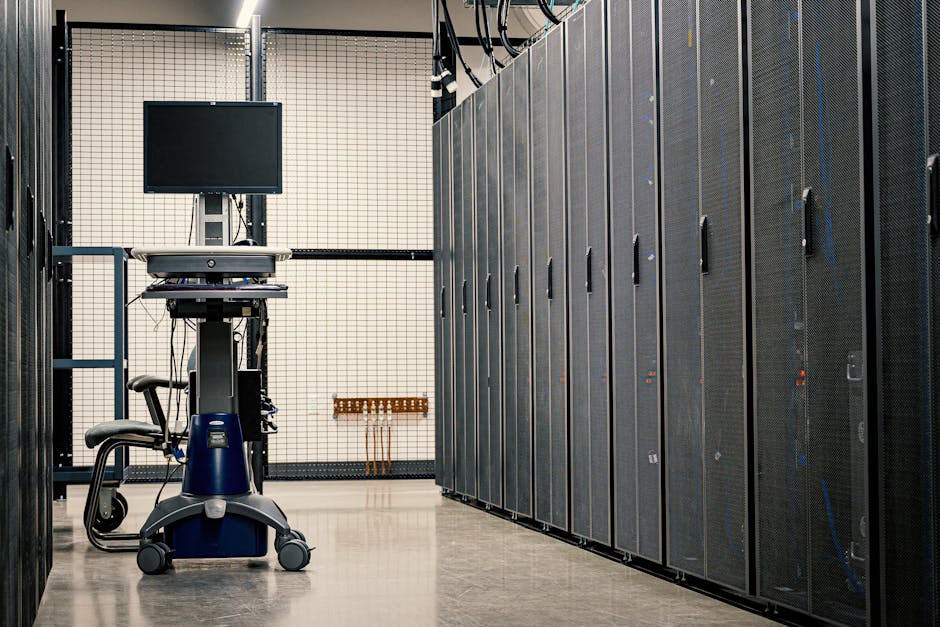
Direct answer: the most important data center trend this quarter is power and cooling constraint management. You can buy a high-end AI accelerator today, but without enough power provisioning headroom and thermal stability, you’ll either throttle or reduce batch size—turning expensive silicon into underutilized infrastructure.
As of 2026, operators are standardizing around tighter power envelopes, more granular telemetry, and smarter control loops. This isn’t just HVAC engineering; it’s a workflow problem for IT and operations too. Teams need to know which rack, PDUs, and power distribution lines correlate with GPU throttling events.
What most people get wrong about power planning
A common mistake I’ve seen: planning using “peak GPU TDP” instead of measured system draw. In practice, system power is a moving target based on:
- CPU utilization during preprocessing and networking interrupts
- Memory configuration (HBM timing modes and bandwidth utilization)
- PCIe and NIC traffic patterns
- Ambient temperature swings and door-to-door airflow behavior
Use a measurement-first approach. Over the last year, I’ve found it’s worth deploying temporary power clamps or using rack-level metering to estimate “steady-state” and “burst” consumption. Then plan for N-1 redundancy and maintenance windows. If your design assumes everything stays within one thermal band, you will feel that pain during peak hours or after a row reconfiguration.
Networking and fabrics: AI clusters are becoming latency-sensitive systems, not just “faster switches”
Key takeaway: the biggest AI chip and data center trends this quarter include tighter networking integration—especially for distributed training, sharded inference, and model parallelism. It’s no longer enough to say “we upgraded to higher bandwidth.” You need predictability: consistent latency, low jitter, and clean routing paths for east-west traffic.
In many clusters, the fastest way to reduce end-to-end time isn’t swapping the GPU model. It’s improving traffic scheduling, congestion control, and collective communication patterns so that the accelerators spend more time doing compute and less time waiting on synchronization.
Long-tail latency and the “straggler GPU” problem
Distributed training fails in a very specific way: the slowest rank drags the entire job. Even if average throughput looks good, long-tail latency causes missed deadlines and lower utilization. This quarter’s trend is treating networking and scheduling as first-class citizens in the performance strategy.
Try these actionable steps when you assess your current fabric:
- Measure collective timings (all-reduce/all-gather) per step, not just overall job duration.
- Check NIC and switch buffer behavior under bursty load (especially with mixed precision + variable sequence lengths).
- Validate routing symmetry across rack boundaries to avoid congestion hotspots.
- Pin CPU and interrupt affinities for the networking stack on the hosts so you don’t create unpredictable CPU-side stalls.
If you run on a multi-tenant platform, also consider workload isolation. I’ve watched shared clusters degrade when a single team launches a noisy job that floods microbursts across the fabric.
Memory and storage design: KV-cache, data pipelines, and NVMe placement matter more than you think
Short answer: model performance and cost are increasingly driven by memory hierarchy and storage I/O—not just accelerator compute. For inference-heavy workloads, KV-cache growth and cache eviction policies dictate both latency and how quickly you burn through expensive memory.
For training and fine-tuning, the story is data pipeline efficiency: how quickly you can feed batches, whether shuffling creates I/O spikes, and whether preprocessing steps become the new bottleneck. Storage placement (local NVMe vs networked storage) and cache policies can decide if you’re hitting your target tokens/sec.
KV-cache strategies that show up in 2026 deployments
KV-cache is a classic “it works in the lab” feature that becomes complicated at scale. Operators are now prioritizing:
- Quantized KV-cache for certain inference paths to reduce memory footprint.
- Better batching that balances throughput with tail latency for different request lengths.
- Admission control to prevent cache thrashing during traffic spikes.
When you evaluate a serving stack, ask how it handles mixed traffic (short prompts and long context requests together). If it treats everything the same, your P99 latency will suffer the moment you hit real user behavior.
Security in the AI era: chip-to-cluster controls are becoming mandatory
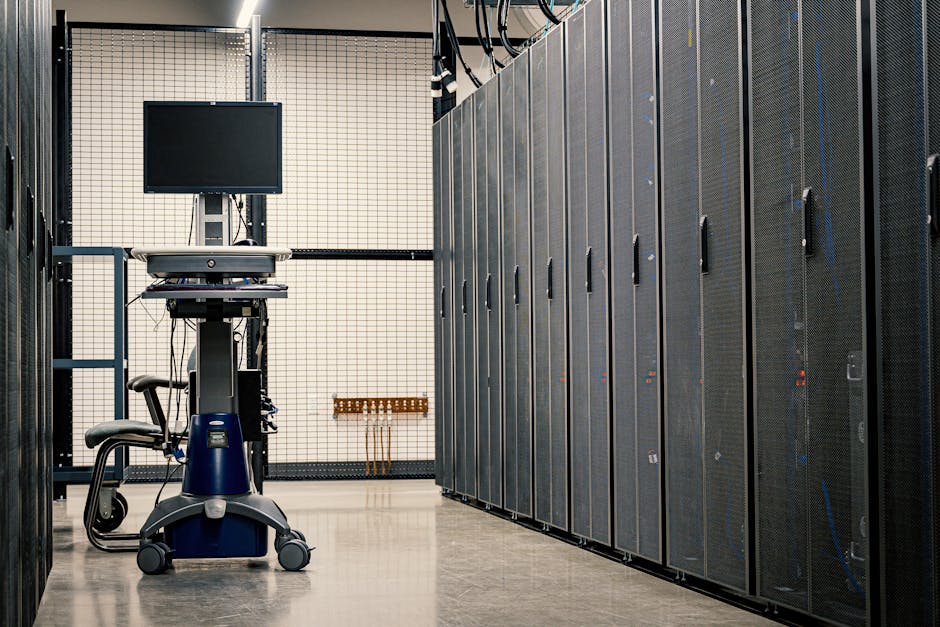
Direct answer: the biggest security trend this quarter is that AI infrastructure hardening can’t wait until after deployment. As AI chips and data center fabrics get more complex, the attack surface expands across the supply chain, firmware, management plane, and data flows between hosts.
In practice, organizations are strengthening:
- Secure boot and firmware integrity for servers, NICs, and accelerators
- Management plane isolation (out-of-band access, strict RBAC, and no default credentials)
- Signed model artifacts and dataset provenance to prevent tampering
- East-west traffic segmentation to contain lateral movement
If you want a deeper cybersecurity perspective, pair this guide with our related post on Zero Trust for Data Centers. AI deployments benefit even more from micro-segmentation because they run many internal services simultaneously.
What I look for during AI cluster threat modeling
I run threat modeling like a checklist tied to actual systems. Here’s the difference between “security theater” and real coverage:
- Do you have firmware version auditing across the fleet?
- Are you monitoring control-plane logs (not only application logs)?
- Is your model/data path protected end-to-end with integrity checks?
- Can you rapidly isolate a suspected compromised node without taking down the job scheduler?
For many teams, the hardest part is operationalizing responses. If your incident playbook takes hours to enact, you’ll get burned during real attacks.
People Also Ask: The questions readers ask before buying AI chips or upgrading racks
What is the biggest AI chip trend right now?
The biggest AI chip trend right now is system-level optimization for data movement: tighter memory bandwidth utilization, improved interconnect efficiency, and better support for quantization or sparsity-aware execution. In other words, chip makers are designing around the bottlenecks that stop real workloads from scaling linearly.
How do I choose an AI server if I’m not sure which chip is “best”?
Choose the server based on measured performance for your workload and the data center constraints you actually have. Prioritize: power headroom, network topology compatibility, memory capacity needed for your KV-cache/activation profile, and firmware manageability. If a vendor won’t show results for your batch size and sequence lengths, treat that as a red flag.
Do faster AI chips always reduce cloud costs?
No. Faster chips can reduce compute time, but they can also increase memory footprint, bandwidth demand, and networking overhead. If your pipeline is I/O bound or if you run into concurrency limits, you may pay more due to longer queue times or inefficient batching.
What’s the first data center upgrade to plan for AI clusters?
Plan power and cooling telemetry first, then networking predictability, then storage/data pipeline efficiency. If you upgrade only the GPUs, you’ll likely throttle at peak load or see inconsistent performance during burst traffic. I’ve seen teams spend on accelerators and lose weeks waiting for rack power or airflow fixes.
Quick comparison: AI chip + data center stack trade-offs to watch this quarter
Here’s a decision aid you can use when reading tech news and vendor claims. The “best” setup depends on your dominant bottleneck: compute, memory, networking, or operations.
| Stack component | What’s improving this quarter | What it fixes | Common gotcha |
|---|---|---|---|
| AI accelerators (chips) | Better memory scheduling + execution efficiency | Higher tokens/sec or faster training steps | Real gains disappear if batch sizes/KV-cache aren’t tuned |
| HBM + system memory behavior | More consistent bandwidth usage | Less time stalled on data movement | Production workloads hit different memory access patterns |
| Networking fabric | Topology-aware collectives and congestion improvements | Lower tail latency in distributed jobs | Straggler nodes create job-wide slowdowns |
| Power/cooling | Better telemetry and control loops | Stable throughput without thermal throttling | Designing for peak TDP instead of measured system draw |
| Storage + data pipelines | More effective NVMe/local caching patterns | Higher utilization during training | Preprocessing creates I/O or CPU choke points |
My recommended action plan for this quarter (practical, not theoretical)
If you want results quickly, do this in the next 2–4 weeks: run a workload-to-infrastructure mapping exercise. Most teams skip it and end up arguing about whether a chip “feels fast” instead of identifying the real bottleneck.
Step-by-step: identify bottlenecks in your AI workloads
- Pick one representative workload (training job or inference service) with real sequence lengths and concurrency.
- Capture metrics for 3 layers: GPU utilization, host CPU + memory, and rack-level power/thermal signals.
- Track P50 and P99 latency/step time. If P99 is worse, focus on networking jitter, scheduling, and cache thrash.
- Run a scaling test (1 node → 2 → 4 → 8) and record where efficiency collapses. That pinpoint tells you whether the issue is interconnect, data pipeline, or orchestration overhead.
- Apply one change at a time: batch size, KV-cache policy, network parameters, or CPU affinity. Make the performance delta attributable.
When you finish, you should be able to answer one question clearly: “Is our system limited by compute, memory bandwidth, network latency, or power/thermal headroom?” That’s the kind of clarity you need to interpret Latest Tech News Explainer claims confidently.
Internal links and how they fit your tech news reading routine
Tech news is noisy, so I treat it like a menu. When you see an AI chip headline, I immediately map it to operational concerns (power, networking, security). If you’re building your broader knowledge base, these reads complement this post:
- AI inference latency tuning: the knobs that actually move P99
- Best NAS for media AI workflows (storage and pipeline reality check)
- Firmware security basics for server fleets
Bottom line: the biggest AI chip and data center trends this quarter reward system thinking
Actionable takeaway: treat AI chips as one part of a tightly coupled system. This quarter’s biggest AI chip and data center trends are converging on the same outcome—predictable throughput at scale—so your best investment is wherever your current bottleneck lives: power and cooling telemetry, network predictability, memory/kv-cache strategy, or data pipeline efficiency.
If you’re upgrading right now, don’t start with the GPU spec. Start with measurement: rack power draw, thermal headroom, and step-time breakdowns. When you do that, you’ll stop guessing, and your AI spend will translate into real performance instead of just impressive benchmarks.
Featured-image alt text suggestion: “Latest Tech News Explainer: AI chip and data center trends in 2026 with server rack power and networking fabric.”