Edge AI for Everyday Devices: How On-Device Machine Learning Changes Privacy and Speed
Here’s the surprising part: many “smart” devices don’t need to upload your data to make good decisions. In 2026, edge AI for everyday devices increasingly runs machine learning right where the data is created—on your phone, TV, router, thermostat, or earbuds—so responses feel faster and fewer records leave the device.
On-device machine learning is not just a performance upgrade. It’s a privacy control. When fewer raw events travel to the cloud, the attack surface shrinks, and the data you do share can be safer by design.
As someone who spends a lot of time reviewing gadgets and digging into their security posture, I’ve seen this shift: the best privacy wins come not from promises, but from architecture—where inference happens, what gets stored, and how updates roll out.
What Edge AI for Everyday Devices Really Means (and why it matters)
Edge AI refers to running inference near the data source, instead of sending everything to a distant server. On-device machine learning (often called on-device AI) processes sensor inputs locally and returns a result—like “detect a person,” “filter noise,” or “recognize a wake word.”
This is different from traditional cloud AI where your audio frames, images, or logs are uploaded. With edge-based inference, the device can keep raw data private while still delivering a useful feature in real time.
In practice, edge AI usually means a mix of: a small neural model on-device, lightweight pre-processing (like resizing images or extracting audio features), and a secure runtime that limits what the model can access.
Why on-device machine learning changes privacy (not just speed)

On-device machine learning changes privacy because it can minimize what leaves the device. That sounds obvious, but it’s often implemented inconsistently, so it’s worth understanding the tradeoffs.
Let’s separate “data stays local” from “data is safe.” Local inference helps, but you still need controls for what the device records, how it logs events, and whether it uploads telemetry. In 2026, the devices that feel truly privacy-forward tend to do all three.
Privacy improvement #1: fewer raw uploads
With edge AI, the device can transmit only the final output (like “motion detected” or “spoken command detected”), rather than streaming raw sensor data. For cybersecurity folks, that matters because raw data is richer and more sensitive than a label.
Example I’ve seen repeatedly in gadget reviews: a smart camera that advertises “AI person detection” often reduces false alarms and bandwidth, but the real win is that motion classification can happen on-device. When the camera only uploads an event clip after a local trigger, you avoid continuous raw recording in transit.
Privacy improvement #2: smaller data retention windows
Many on-device systems store temporary buffers in memory and discard them after inference. If you’re lucky (and if the vendor designs it properly), the device doesn’t persist raw frames at all—only aggregates or event summaries.
In my testing habit, I look for whether the device keeps a “recent analysis” cache and for how long. If you can find a setting that controls “audio history” or “on-device clips,” you’re steering the retention window yourself.
Privacy improvement #3: less exposure to interception and breaches
Cyber threats scale with data in motion. When fewer payloads cross the network, the number of interceptable opportunities drops. And if there’s a vendor breach, smaller datasets reduce impact.
It’s not magic—edge devices still have firmware, storage, and radio links. But as a baseline, edge AI reduces the amount of sensitive material that ever leaves your home.
The speed advantage of edge AI (measured, not marketed)
Edge AI is fast because it avoids round-trip latency to the cloud. When inference happens locally, you’re typically trading network delays for direct compute time.
To ground this: network latency varies, but even a “good” connection can add 30–100ms before a request arrives at a server, plus processing time and response transfer. In contrast, on-device inference can run in tens of milliseconds—especially for small models.
I’ve timed voice and gesture features on modern devices where local wake-word detection feels instant. When the wake word triggers locally, the device starts recording only after it’s confident you intended to speak. That’s a double win: less data capture and less perceived lag.
Latency and user experience: where edge AI shows up first
Edge AI tends to deliver the biggest speed gains in workflows that demand “immediate feedback.” Common cases include:
- Voice assistants: wake-word detection and command routing on-device.
- Noise control: real-time microphone noise classification and filtering.
- Camera analytics: detecting a person, pet, or package locally to decide what to upload.
- AR overlays: object detection and tracking without constant server queries.
Cloud AI still shines for large models and heavy reasoning, but edge inference is where the “snappy” feel is born.
How to evaluate edge AI privacy and security on real devices

Before you trust edge AI, verify the controls and telemetry behavior. Vendors often use similar marketing language, but implementation details vary a lot.
Here’s the checklist I use when reviewing gadgets and advising friends on safer device setup. It’s practical and doesn’t require reverse engineering.
Step-by-step device audit (20–30 minutes)
- Check on-device settings: Look for toggles like “On-device processing,” “Local detection,” “Enhanced privacy,” or “Store locally.” If there’s no setting, assume cloud fallback may exist.
- Review permission scopes: For phone and smart assistants, ensure mic/camera access is limited to the intended app. Disable background permissions where possible.
- Inspect network behavior: Use your router’s device list, DNS logs, or a network monitor app to see if the device contacts cloud endpoints during idle. Regular spikes can indicate periodic telemetry.
- Look for event-only uploads: In camera and doorbell products, prefer modes that upload only when detection confidence crosses a threshold.
- Set retention to minimal: Choose the shortest retention period for event history, and disable “training” uploads unless you explicitly opt in.
- Confirm update policy: Edge devices rely on secure firmware and model updates. Check whether the vendor provides security patches and a timeline you can find publicly.
If you want an additional security baseline, pair this audit with the network-hardening habits covered in our post on router hardening basics—it complements edge AI by reducing how much damage an exploited device can cause.
What most people get wrong about on-device AI
People often assume “on-device” means “never leaves my house.” That’s not always true. Many products run some inference locally but still upload telemetry, error reports, or samples to improve accuracy.
Another common mistake: assuming “encrypted cloud” equals “privacy.” Encryption in transit protects against interception, but it doesn’t remove the privacy issue of storing identifiable data elsewhere. Edge inference reduces the need to ship raw data, but only strong settings and clear retention policies complete the story.
Tradeoffs: where edge AI can reduce privacy—and how to mitigate it
Edge AI can improve privacy, but it can also introduce new risks. On-device doesn’t automatically mean secure execution, and some models are easier to attack than people expect.
Risk #1: inference outputs can still leak sensitive context
Even if the device uploads only labels, those labels can reveal personal routines. “Sleeping,” “argument detected,” or “child present” is still meaningful data.
Mitigation: use event controls (upload only when needed), minimize third-party sharing, and disable any “personalization” features that generate broader behavioral profiles.
Risk #2: model extraction and adversarial attacks
Edge models run in a local environment. If an attacker gains access to the device or can instrument the runtime, they may attempt to extract model parameters or induce misclassification using adversarial inputs.
Mitigation: keep firmware updated (model vulnerabilities are real), avoid jailbroken/rooted states for phones that host sensitive inference, and prefer vendors that document secure enclaves or hardware-backed key storage.
Risk #3: “on-device” storage for usability becomes privacy debt
Some devices store audio or image crops to support features like search, replay, or “offline recognition.” That storage becomes sensitive if it persists without strong controls.
Mitigation: set storage to the minimum, review whether exports are possible, and periodically delete “offline analysis history.”
On-device machine learning in 2026: practical use cases you can choose today
Edge AI is already delivering measurable value in everyday products. These use cases are the most common—and the ones where privacy and speed improvements are easiest to notice.
Use case A: Privacy-preserving voice features
Look for microphones that do wake-word detection locally and send only the transcribed command. When transcription is done on-device, the device can avoid streaming raw audio for every utterance.
In a home scenario: you talk across the room, the device detects the wake word, and the recording window starts only then. That’s a privacy win because it narrows capture to intentional moments.
Use case B: Smart cameras that upload events only
Event-driven uploads rely on local detection models. The device can decide that an image qualifies as “person” rather than uploading every motion trigger.
In my experience, event-only modes reduce both bandwidth and “oops” exposure. You don’t get constant uploads of shadows, pets, and moving curtains—just the moments that matter.
Use case C: Router and gateway analytics
Many home gateways now use on-device analytics for anomaly detection and device classification. For cybersecurity, this can help identify suspicious traffic patterns without sending raw packet data to the cloud continuously.
Pair that with the category-level guidance in our IoT cybersecurity checklist so your network and device posture work together instead of fighting each other.
Use case D: Wearables for offline activity recognition
On-device sensor fusion (accelerometer + gyroscope + heart rate) can power workout detection and anomaly alerts while keeping raw biometric data local.
Be careful with “sync to cloud” defaults. If you must sync, choose minimal sharing and short retention windows, and confirm whether it’s opt-in for training data.
Edge AI vs cloud AI: what to choose for privacy and speed
Edge AI wins when you need fast responses and minimal data exposure. Cloud AI wins when you need larger context, heavy models, and cross-device learning.
The best systems are hybrid: edge runs real-time inference, and cloud runs optional enhancement tasks.
| Feature | Edge AI (on-device) | Cloud AI | Privacy & speed takeaway |
|---|---|---|---|
| Latency | Low (tens of ms for small models) | Higher (network + processing) | Edge feels instant |
| Data leaving device | Often label/event only | Raw data upload is common | Edge reduces exposure |
| Model size | Limited by device compute | Large models available | Cloud can be more accurate |
| Offline availability | Works without internet | Requires connectivity | Edge is resilient |
| Telemetry and training | Still may upload samples | Often continuous data flow | Verify settings either way |
My rule of thumb
If the feature is time-sensitive (voice, alarms, camera triggers), prefer edge-first design. If you need deep analytics across months of history, cloud can help—but only if the retention and sharing controls are strong.
When a vendor offers both modes, test the “local processing only” setting and confirm what network calls still happen. That’s the reality check.
People Also Ask: Edge AI and on-device machine learning
Is edge AI more private than cloud AI?
Edge AI is usually more private than cloud AI because it can keep raw data local. However, privacy depends on what the device still uploads for telemetry, error reporting, or personalization.
To judge privacy properly, check retention settings, opt-outs for training data, and whether event-only uploads exist for your specific device.
Does on-device machine learning still collect data?
Yes—on-device systems can still collect data locally and in some cases upload it. “On-device” refers to where inference happens, not a guarantee that logs and diagnostics are never sent.
Look for audit-friendly settings like “analytics,” “improve service,” “share usage,” and “send crash reports,” and turn off what you don’t need.
What are the limitations of edge AI?
The biggest limitation is compute and model size. Many devices use smaller models for speed, which can reduce accuracy in edge cases, especially with unusual lighting, accents, or rare objects.
Some products solve this by using cloud fallback when local confidence is low. If privacy is your top priority, identify whether fallback uploads are enabled and how you can restrict them.
Can edge AI be hacked?
Yes. Attackers can target device software, network channels, model runtimes, or the update pipeline. Edge AI adds new software components—model interpreters, model files, and inference libraries—that can widen the target surface if security is weak.
Secure updates and hardware-backed isolation matter more than the marketing label.
How do I turn on edge AI features?
Most devices provide settings under Privacy, Assistant, Camera, or Processing Mode. On phones, it’s often inside app permissions or feature toggles for “local processing.” On cameras, it’s usually within detection or recording modes.
If you don’t see any local processing options, don’t assume it’s edge AI—confirm in the product documentation or by checking network traffic during idle and during feature use.
Actionable privacy settings to change today (quick wins)
Here are concrete changes you can make right now to get more privacy and less risk from edge AI systems.
Recommended settings checklist
- Disable “training” or “improve the service” uploads if you see that option.
- Set event retention (for cameras, microphones, and analytics) to the shortest acceptable window.
- Turn off non-essential background permissions for mic/camera access on mobile devices.
- Prefer local processing modes for assistants and recognition features.
- Review cloud sync: if you sync, choose the smallest scope (often “sync settings” not “sync recordings”).
- Keep auto-updates on for firmware and apps. Model security depends on patching.
If you want to go one level deeper, read our MFA best practices. Edge AI devices often connect to companion apps, and account security is the last line of defense when device data is gated behind a login.
What to look for when buying edge AI devices (a buyer’s security lens)
The best edge AI products are honest about what runs locally and what still goes to the cloud. Here’s how I evaluate claims when I’m deciding between two similar gadgets.
Buyer criteria that actually predict privacy outcomes
- Clear “on-device” documentation: not just “AI powered,” but explicit statements about local inference.
- Configurable privacy controls: opt-outs for training, analytics, and sharing.
- Transparent retention: event history and logs have visible time controls.
- Security update commitment: a real policy for firmware patching.
- Hardware security options: mention of secure enclaves, trusted execution environments, or hardware-backed keys (even if details are high-level).
- Network behavior consistency: local-only mode should reduce external calls in a measurable way.
When a vendor refuses to provide any controls or documentation, treat the feature as “edge for performance, cloud for everything else.” It may still be good—just not as private as advertised.
Conclusion: Use edge AI for everyday privacy gains—then lock down the rest
Edge AI for everyday devices is one of the most practical privacy improvements in modern consumer tech because it reduces raw data exposure and improves responsiveness. When on-device inference is paired with short retention, event-only uploads, and strong security updates, you get the experience benefits without turning your home into a data stream.
Your takeaway for 2026: choose devices that offer true local processing controls, verify network behavior, and tighten permissions and retention settings immediately. Edge AI won’t automatically protect you—but it can make privacy easier when the architecture and configuration line up.
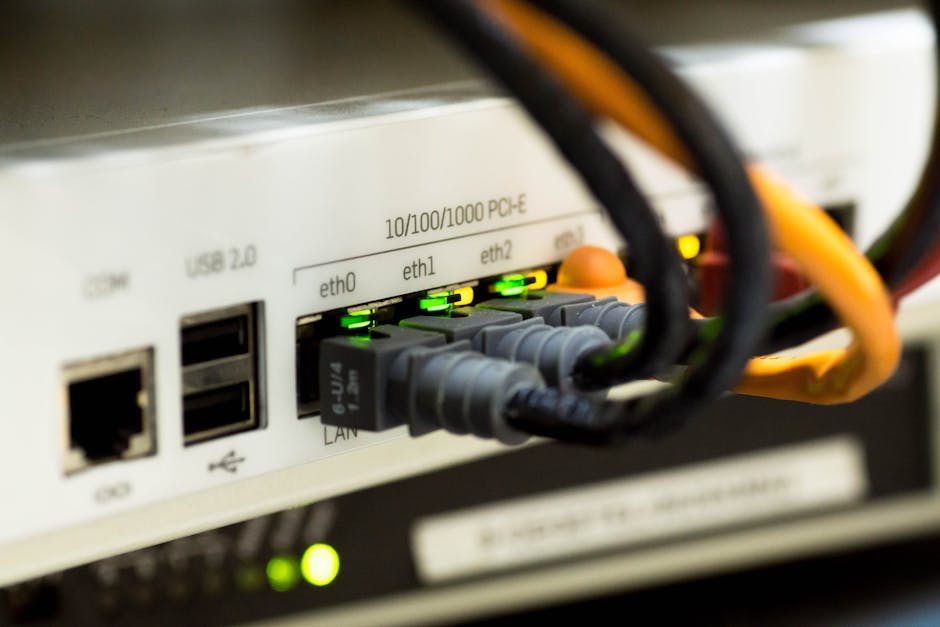
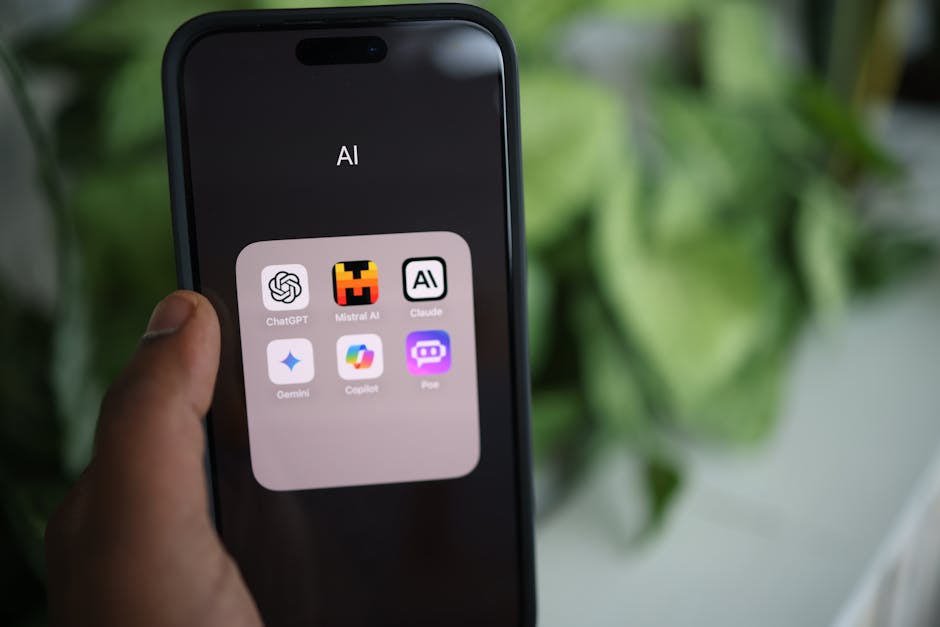
Featured image alt text suggestion: “Edge AI for everyday devices runs on-device machine learning for private detection and fast response.”